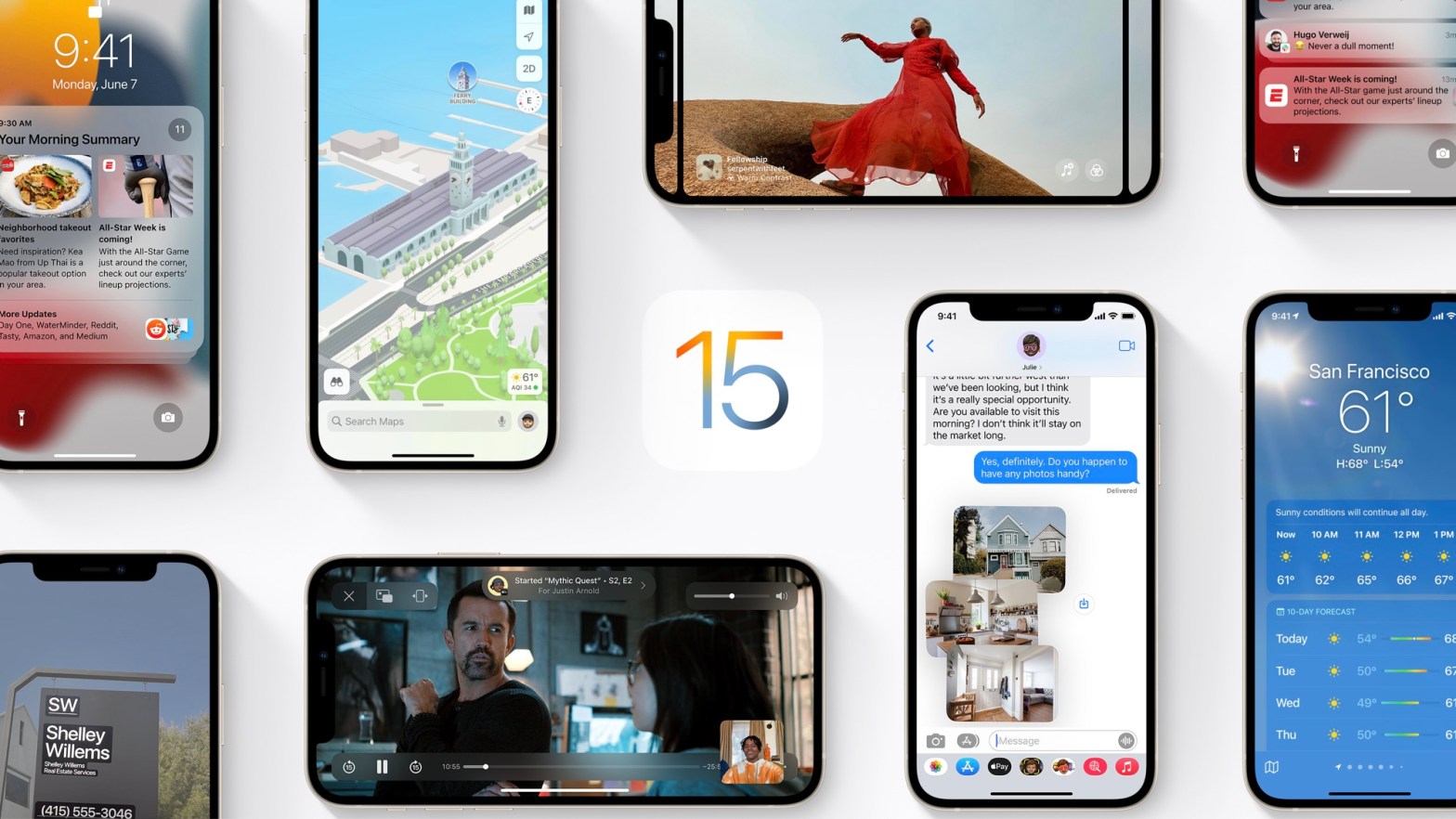
Apple released a new update for iOS 15 on December 13th so here’s everything new you need to know about, starting with:
App Privacy Report
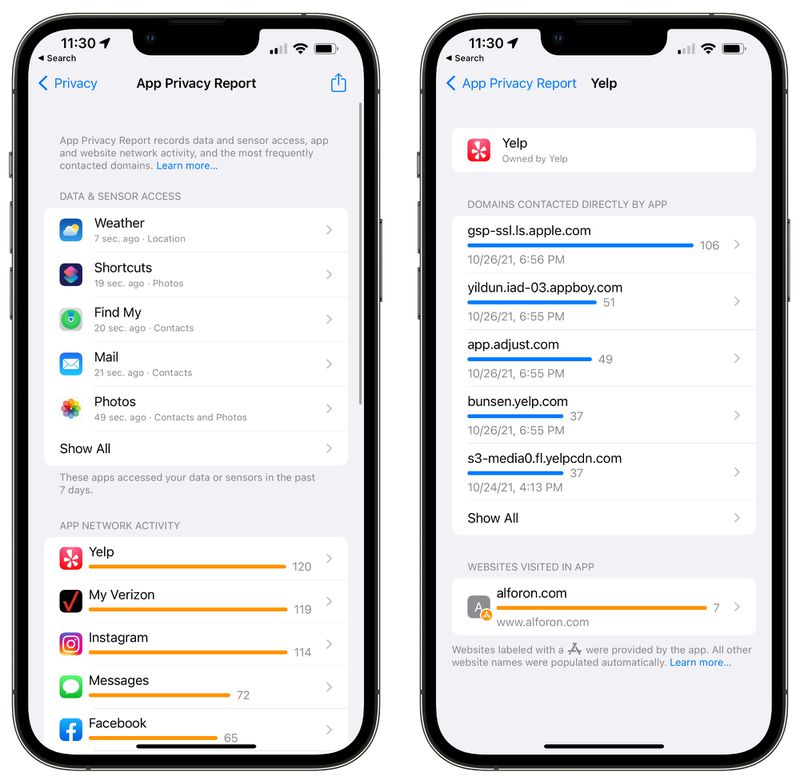
Apple showed off the App Privacy report back in WWDC of 2021 with the introduction of iOS 15 but the feature was delayed due to some complications. App Privacy Report is a feature that lets you see how often apps have accessed their restricted info like camera, mic, location, and contacts in a weekly manner.
With this, users can also see what apps are doing behind the scenes like how many trackers an app is using and stuff similar that can track you so you always know where your data is going.
App Privacy report is available now in iOS 15.2 update under the Settings app under the Privacy option.
Emergency SOS
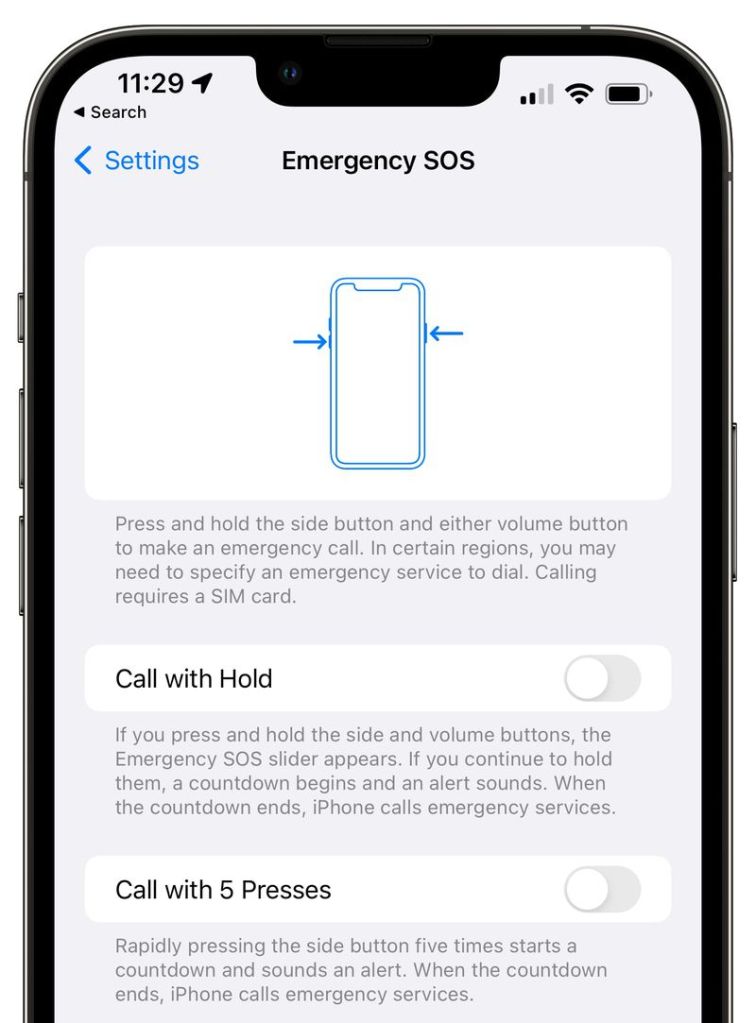
Emergency SOS that helps you contact emergency services when in need has been updated. SOS Menu can be accessed by pressing the side button rapidly or pressing the combination of side and volume buttons together.
Before the update, the rapid click feature worked but the button combination method didn’t, Apple has also updated the auto call feature to emergency services, the timer is now 8 seconds as opposed to the 3 seconds in the previous update.
Apple Music Voice Plan

This new update brings support for the Apple Music Voice Plan that was first introduced in October of 2021.
This Apple Music Plan lets you play music through Apple Music through Siri for just $4.99/ month.
This subscription is cheaper than the regular Apple Music subscription though with some drawbacks of not having the privilege of selecting new playlists and stations directly due to the voice limitations of Siri.
Legacy Contacts
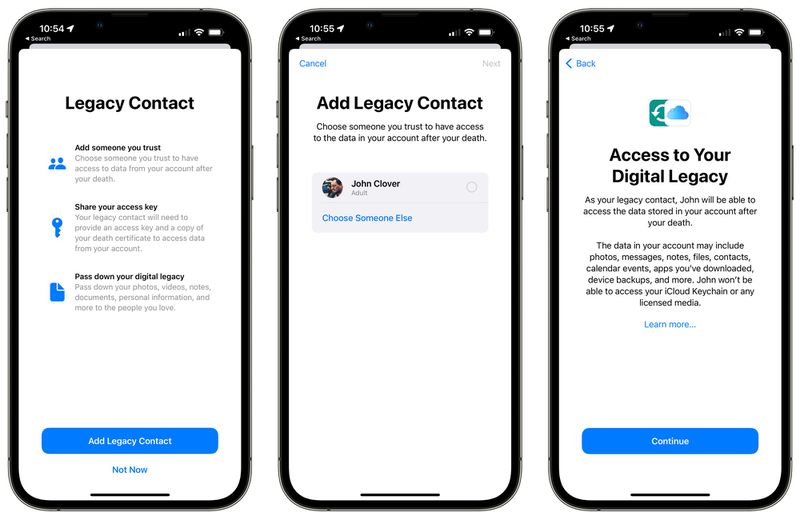
Apple introduced a new feature where you can set a trusted person who can access your Apple ID and your data after you die.
Note that this data doesn’t include iCloud Keychain passwords and licensed media.
It can be accessed under Settings > Passwords & Security > Legacy Contacts.
Find my iPhone (even when it’s dead)
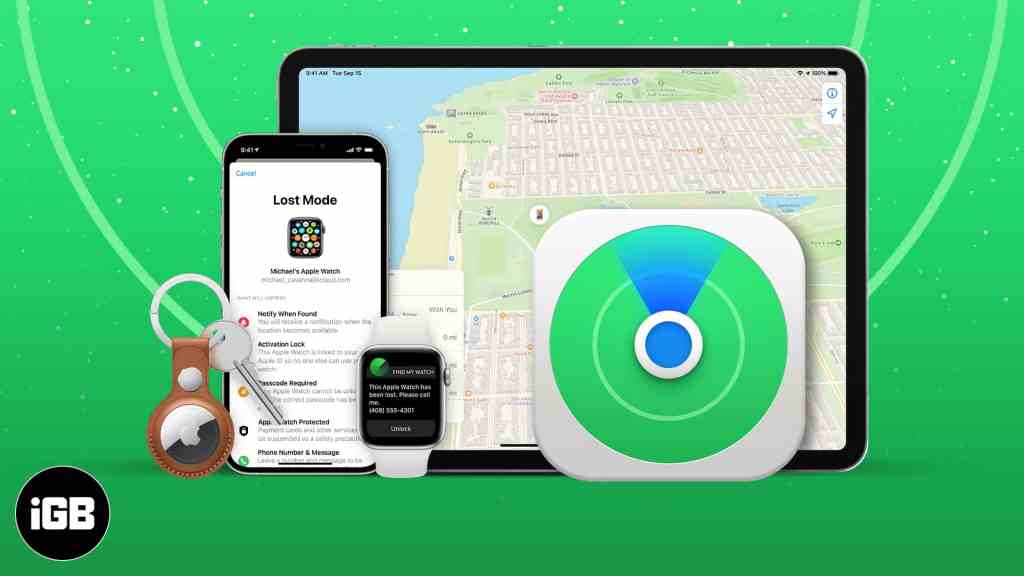
With this update, the Find My app can track down and lock the iPhone for up to five to six hours when the power reserve feature is turned on, this feature is activated when your iPhone’s battery is dead.
Hide My Email
You can now use the Hide My Email feature directly in the Mail app after installing this update, this can be accessed under Compose > From > Hide My Email. This will generate a random email address that can be used to send email to a site or a person who can’t be trusted.
Note: This feature is only available to iCloud+ subscription members priced at $0.99 per month.
Unrestricted Repair Updates for iPhone 13 models
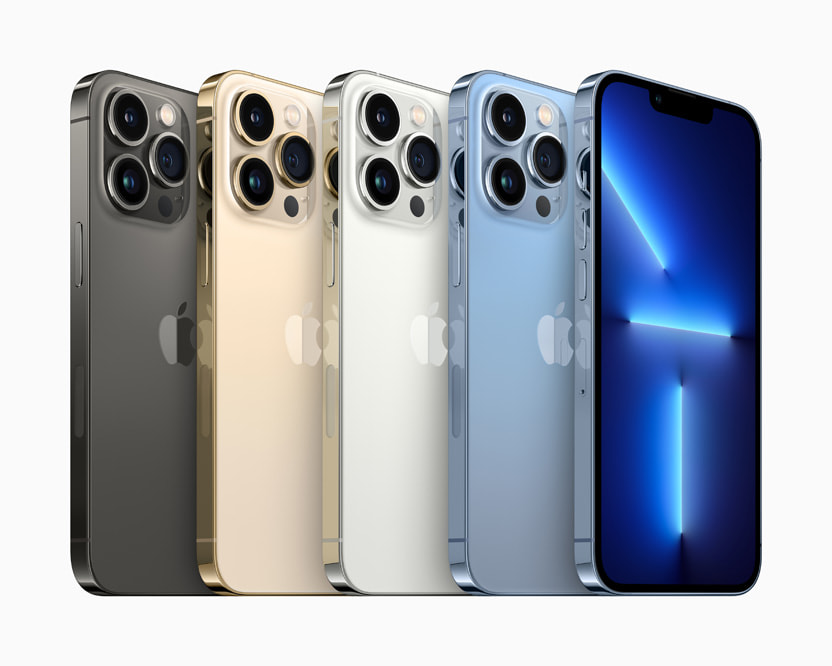
iOS 15.2 changes an iPhone 13’s repair policy that caused Face ID to be disabled in case of a screen repair.
Apple microcontroller that paired an iPhone to its screen was inaccessible to third-party repair shops and due to right to repair guidelines, Apple has updated iOS 15 that removed that pairing requirement which is a great bonus!
Child Protection
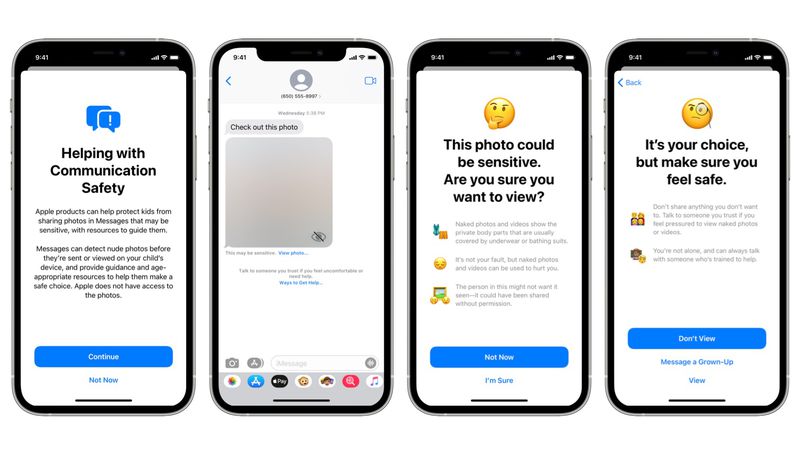
Apple has introduced a feature that scans all photos that are received on iMessage for nudity, violence, etc. This feature is made to protect children from inappropriate content and violent behavior so it’s a huge step forward.
Macro Photography
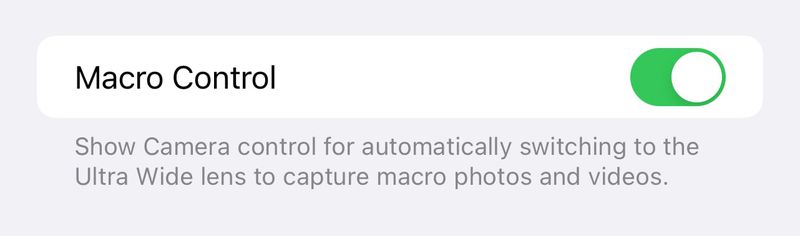
This update adds a new toggle for manual macro mode so a user can control and turn on and off the macro mode manually. This option is implemented in-camera settings and there’s also a flower button that a user can toggle on/off to turn the feature on and off.
Siri commands
This update reintroduces some Siri commands that were removed in iOS 15 that were mostly used by blind people.
Bugs and issues
- Siri is unresponsive when using Voiceover and while the iPhone is locked.
- Home Kit scene of a garage door may not run properly while the iPhone is locked.
- Video streaming apps sometimes don’t load videos on iPhone 13,13 Mini, 13 Pro, and 13 Pro Max.
- CarPlay doesn’t update the Now Playing info for certain applications.
- Microsoft Exchange users may experience the wrong day of the calendar events.
- ProRAW may appear over-exposed while viewing in 3rd party applications.
written by abdullah.
 AB Tech