
so as you all know, Microsoft released Windows 11 earlier this year but some of you all know that Windows 11 was originally designed as Windows 10X so the UI elements and most of the resources are directly ported from Windows 10X so the famous new boot animation of Windows 10X was originally meant to come to Windows 11 but Microsoft just vaulted it for a mysterious reason but the files of that boot animation are still present in the new build.
Here’s how to enable Windows 10X boot animation in Windows 11:
This process is straightforward, here’s how to do it
- Press WIN+R to open the Run dialog box.
- Type Regedit in the Run dialog box.
- Go to HKEY_LOCAL_MACHINE\SYSTEM\ControlSet001\Control.
- Right-click the control folder and select New > Key. Rename the new key to BootControl.
- On the empty side of the Windows, right-click and select New > DWORD (32-bit) from the context menu.
- Rename the new DWORD key to BootProgressAnimation.
- Double click the DWORD key and change its value from 0 to 1.
- Click OK to save changes.
- Reboot your computer and you’ll notice the new animation.
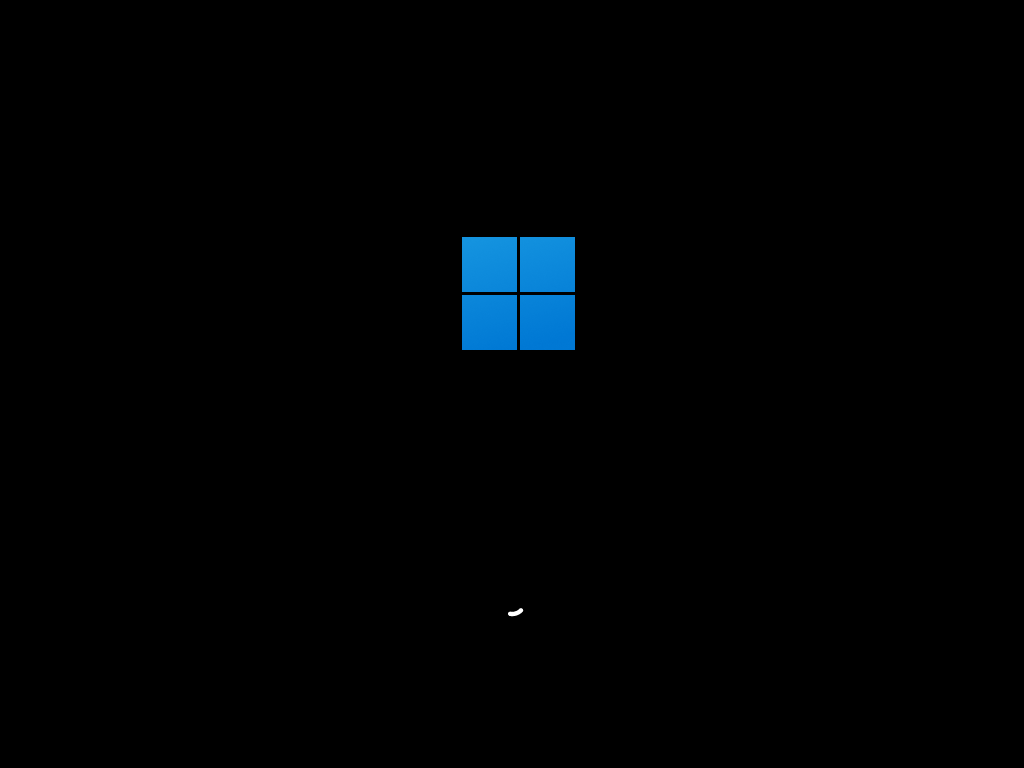
Note: If you want to change back to the original Windows 11 boot animation, just change the value back to zero.

 AB Tech